 Tenia Novalia
10 min read
A 30-day ATS data migration works best as four weeks, each with one goal and one gate you can pass or fail: scope and export, cleanup and mapping, a pilot with reconciliation, then cutover with the old ATS kept read-only.
Tenia Novalia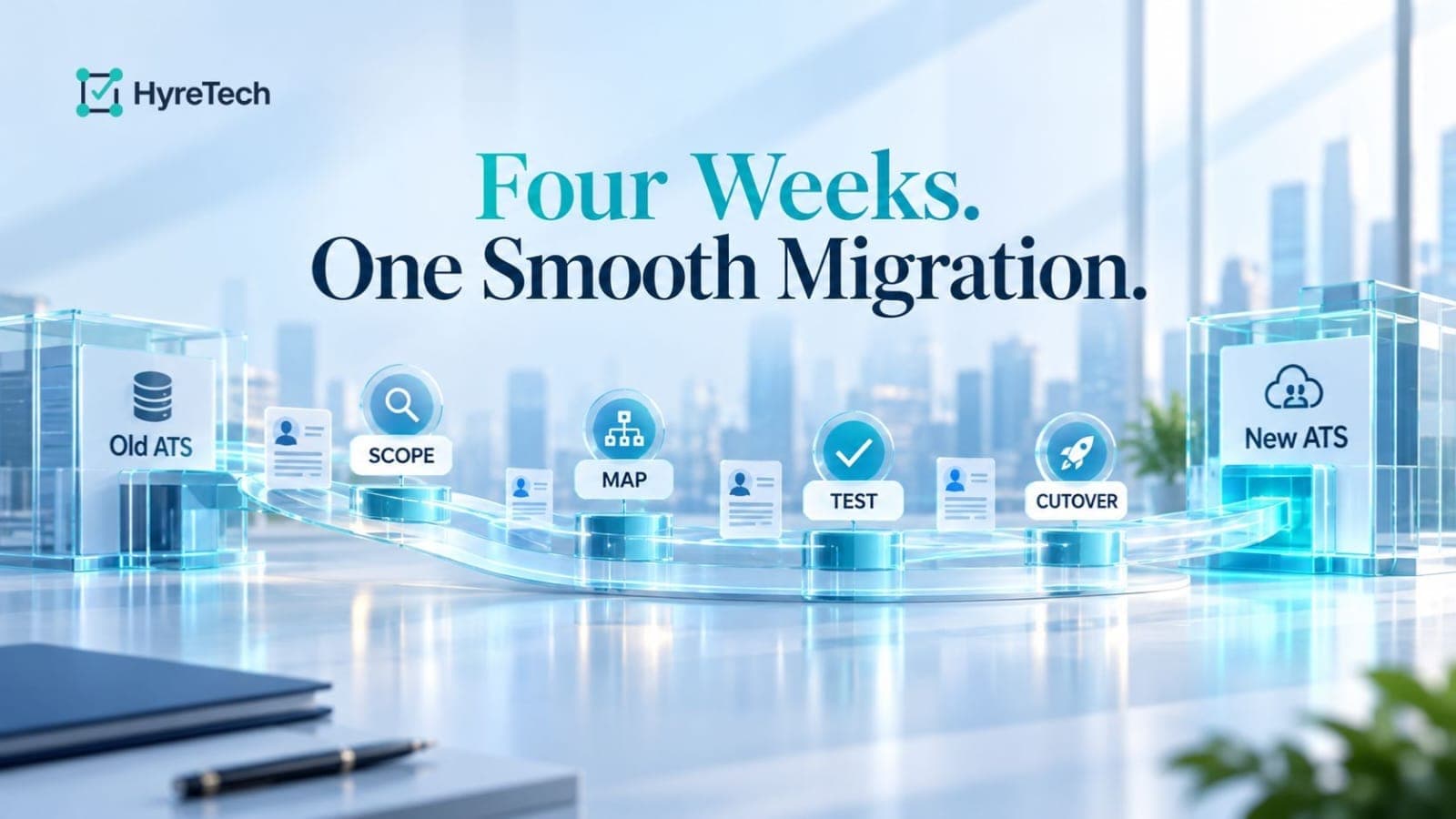
On this page
A 30-day ATS data migration works best as four weeks. Decide scope and request the export in week 1, clean and map in week 2, rehearse and reconcile in week 3, then cut over and keep the old ATS read-only in week 4. HyreTech, an AI ATS for technical hiring teams, can take the import step of this plan from any ATS that exports a CSV, using a roles CSV, an applicants CSV and a ZIP of PDF resumes, so you can rehearse on a small batch before you commit.
Most ATS data migration checklists list tasks without an order, an owner or a point where you stop and check. This plan gives each week one goal and one gate, and you do not start the next week until the gate is passed. It assumes one recruiter or HR lead owns the project, the database holds a few thousand candidates and there are no custom integrations. Larger databases stretch the weeks but not the order.
Four milestones carry the whole project. Each one has an owner and a gate, which is a check you can pass or fail.
| Week | Goal | Owner | Gate to pass |
|---|---|---|---|
| 1 (days 1 to 7) | Decide scope and request the full export | Project owner with HR or legal | Export received, scope agreed, decommission date set |
| 2 (days 8 to 14) | Clean, deduplicate and map | Recruiter with ops | Mapping table approved, duplicates resolved |
| 3 (days 15 to 21) | Rehearse with a pilot batch and reconcile | Recruiter with a hiring manager | Pilot reconciled, named sign-off recorded |
| 4 (days 22 to 30) | Cut over and freeze | Project owner | New applicants enter only the new ATS, old ATS is read-only |
This guide is vendor-neutral. For Greenhouse-specific export steps, read our guide on migrating from Greenhouse without losing data. For how exports differ between tools, see ATS export formats compared.
Week 1 is mostly decisions. The only technical task is asking for the export, and it should happen on day 1 because it is the one step you cannot speed up yourself.
Mapping before loading is what prevents silent loss. Build one mapping table and get it approved before you touch the new ATS.
| Field group | Decision to make | Typical trap |
|---|---|---|
| Identity | Choose one key, usually email | The same person under two emails |
| Stages | Map each old stage to one new stage | Several old stages collapse into one and lose meaning |
| Source and tags | Agree one clean list | Free-text sources create near-duplicates |
| Resumes | Match every file to one candidate row and check the formats the new ATS accepts | File names that do not match the export, or formats the new ATS rejects |
| Notes and feedback | Decide where they will live | Notes that sit outside the main CSV export |
| Dates | Agree one format and time zone | Day and month swapped |
Duplicates deserve special attention, because the same candidate often applied to several roles over several years. Merge them now, not after the load. To see which fields vanish without a warning, read about the CSV columns an import drops without warning.
Pick one or two closed roles and run the whole process end to end on that small batch. A rehearsal on tidy data proves little, so choose roles with messy history on purpose. Also check the new ATS's limits now, such as file formats, file sizes and how many candidates one upload can take, because they decide how many batches week 4 needs.
Then reconcile on three levels:
Microsoft's guidance makes the same point for any migration: completeness checks and integrity checks are separate steps, and validation should repeat after every major pass instead of happening once. It also recommends documenting the sign-off with a timestamp and the approvers' names. In practice this is a short note in your project folder that says who checked what and on which date.
Pick a cutover day and treat it like a switch, not a gradual drift.
A migration creates copies: the export files, the resume ZIP, downloads on laptops, files on a shared drive and email attachments. Each one is personal data you still hold, and they are easy to forget because they were meant to be temporary.
Singapore's Personal Data Protection Commission (PDPC) makes this point in its Guide to Data Protection Practices for ICT Systems, revised in July 2026. It warns that organisations protect their main database but neglect secondary copies created during software migration, and it recommends protecting data migration files while they exist and removing them once they are no longer needed. It also recommends encrypting exported data and sharing the password separately, and checking that access controls are still correct after a migration. This is guidance, not a statement of the law, but it works well as a checklist.
Indonesia's Personal Data Protection Law (UU 27/2022) puts the cleanup on a legal footing: personal data that is no longer needed for its purpose must be deleted (article 43). That covers the records you decided in week 1 not to migrate, and our retention guide explains the notice that comes with deleting them.
Before decommission day, list every copy in one register, name who deletes each one, and ask the old vendor to confirm deletion in writing.
HyreTech works alongside your ATS. There is no connector to your old ATS and nothing is written back to it. You upload three files: a roles CSV with external_role_id, name and category, an applicants CSV with name, email, external_role_id and cv_filename, and a ZIP of PDF resumes whose file names match cv_filename. These are the limits that matter for planning:
| Item | What applies |
|---|---|
| Resume format | PDF only, up to 10 MB each, not password-protected |
| File size | Each CSV up to 5 MB, resumes ZIP up to 100 MB (300 MB and 400 files once unzipped) |
| Batch size | Up to 200 applicants and 100 roles per upload |
| Columns | Names are fixed and header case does not matter. Unknown columns are ignored |
| Re-upload | Applicants are matched by email within each role, so nobody is duplicated. An unchanged resume and role text is not re-analysed or re-charged |
| Cost | Scoring starts once the import is processed, at 1 credit per applicant per role. Failed analyses are refunded. Roles created by import cost nothing to set up |
At 200 applicants per upload, 3,000 candidates means 15 uploads and at least 3,000 credits. Because every imported applicant is scored, upload only the people you want evaluated, which matches the retention cut you made in week 1.
The import carries each applicant's name, email, role and resume, plus phone, location and LinkedIn, GitHub or portfolio links if your CSV has them. Links in the CSV are stored on the profile but not scored; only links inside the resume are read. Stage, source, tags, notes and stage history are not imported.
Imported applicants start at the first stage, and their application date is the import date. That is one more reason to keep the old ATS read-only after cutover. The applicants CSV reference and roles CSV reference list the exact columns, and what to export from your ATS shows how to prepare the files.
For the week 3 behaviour check, search the candidate list by the email of someone in the batch. An email lookup costs no credit, and the person appears as soon as the import is processed, before their scoring finishes.
You can keep your current ATS and use HyreTech for AI screening, or run hiring in HyreTech as your main system. Whichever tool you choose, ask the vendor what the import carries over and what it does not. That question applies to us as well.
Ready for week 3? Pick one closed role and see what happens.
We need to move to a new ATS next month. How do we structure the project and which milestones matter most? Split it into four weekly milestones: scope and export, cleanup and mapping, pilot and reconciliation, then cutover. Give each one an owner and a gate you can pass or fail, and set the decommission date on day 1. HyreTech can take a pilot batch in week 3 by CSV and resume ZIP, so you learn early what carries over.
How do I migrate candidate data from an old ATS? Export it, map it, rehearse on a pilot batch, then cut over. Request the full export on day 1, build one mapping table for identity, stages, sources, resumes, notes and dates, and load one or two closed roles first. Reconcile counts, content and search behaviour, then move every intake route on one day and keep the old ATS read-only for 30 to 90 days.
How long does an ATS migration take, and can a small team really finish in 30 days? A small team with a few thousand candidates and no custom integrations can plan for about 30 days, provided the export arrives in week 1. Larger databases, several sources or integrations stretch the timeline.
How to compare migration timelines between Greenhouse and a new ATS? Compare both on the same four milestones instead of on headline promises. Ask each vendor, in writing, when the export is delivered, how long mapping and a pilot take, the earliest cutover date and how long the old system stays read-only. Our guide on migrating from Greenhouse without losing data covers the Greenhouse side.
Is migrating from Lever to Greenhouse different from any other ATS move? The plan is the same four weeks with the same gates. What changes is the content of the Lever export and how Greenhouse imports it, so ask Greenhouse what its import accepts before you build the mapping table. ATS export formats compared shows what a Lever export contains, including which export carries resume files and how long its download link lasts.
Should we migrate every candidate or only recent ones? Decide by retention, not convenience. Records you no longer have a reason to keep should not travel to the new system. Our guide on how long you can keep candidate data helps you set the cut line.
What data is most often lost when moving between ATS tools? Notes, stage history, attachments, custom fields and original application dates are the usual risks, depending on what the old ATS includes in its export and what the new one imports. Compare the export with your inventory in week 1 and test a pilot batch in week 3. Our article on CSV columns an import drops without warning lists the common cases.
What are typical fees to migrate scorecard templates to a new ATS? It depends on the vendor and your contract, and we could not find a public benchmark we can verify, so we do not quote a figure. Ask each vendor in writing whether templates are part of the export, whether the new ATS can import them or you must rebuild them, and whether that work is charged. HyreTech has no structured interview scorecard: interviewers write free-text notes and can add a Strong yes, Yes, No or Strong no recommendation.
Can HyreTech import my full history from my old ATS? No. The import carries each applicant's name, email, role and resume, plus phone, location and profile links if your CSV has them. Stage, source, tags, notes and stage history are not imported, and the application date becomes the import date. There is no connector to your old ATS and nothing is written back, so keep the old ATS read-only as your record of the history.
Hire smarter with AI-powered candidate screening — start free today.