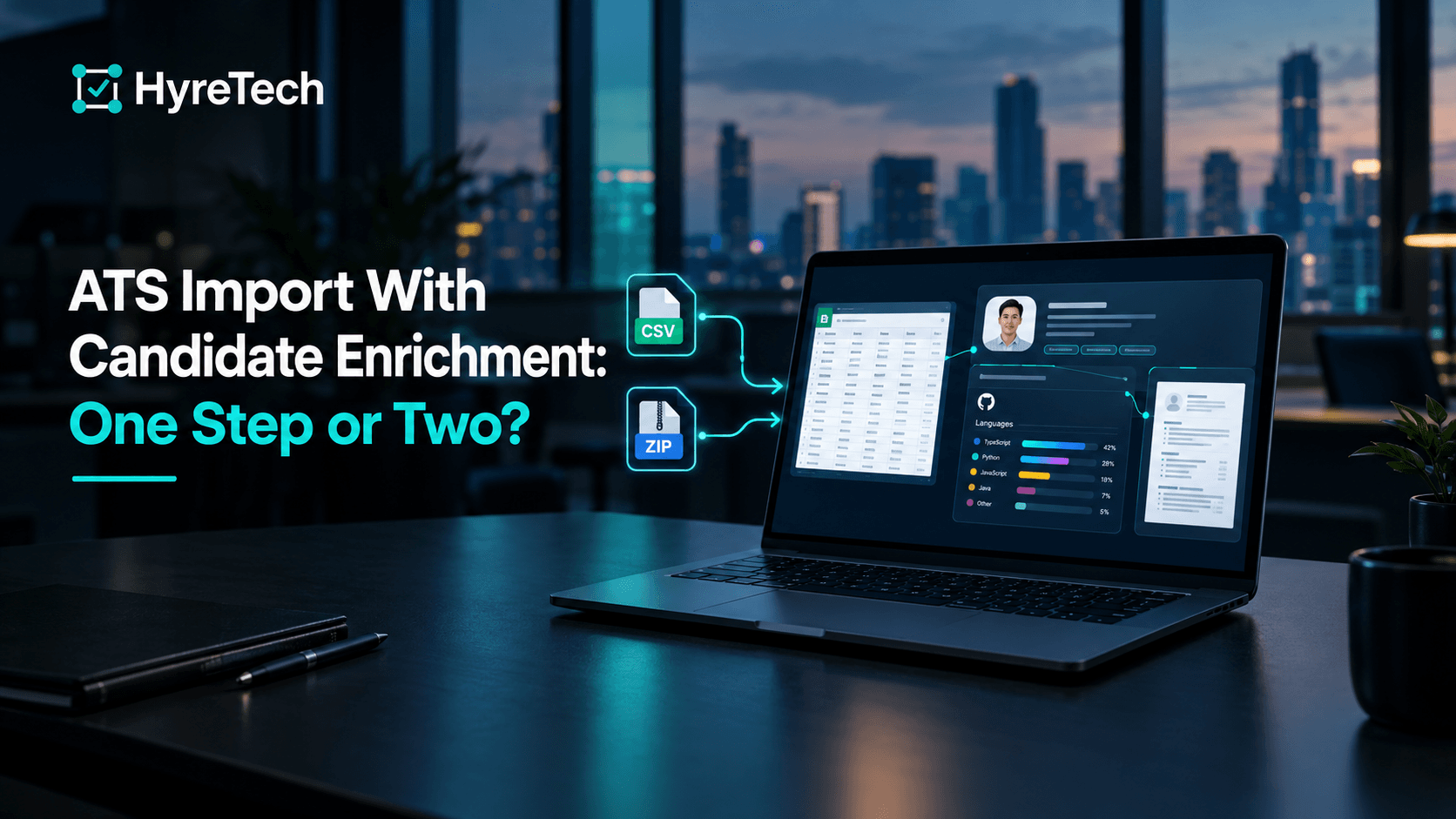
Candidate enrichment can happen during an ATS import instead of after it, but only for evidence the import can actually reach. In HyreTech, every applicant you import is scored against the role automatically. If a GitHub profile or portfolio link is written anywhere in their resume, it is read during that same analysis, before the score is calculated. A link that sits only in a CSV column is stored on the profile, but it is not analyzed.
That distinction decides whether an imported candidate is judged on the same evidence as someone who applied last week. The rest of this guide explains why it matters and how to plan an import around it.
What Counts as Candidate Enrichment?
Importing gets candidate records into a new system: names, emails, the job each person applied to, and their resumes. Enrichment adds evidence the raw resume doesn't carry on its own, such as what a candidate's public code shows about the stack they claim. The two are often run as separate projects. Whether they can be one step depends on where the extra evidence lives.
| Enrichment source | What it adds | Can it run during an import? | In HyreTech today |
|---|---|---|---|
| A GitHub or portfolio link written in the resume | Public work that backs up the resume's claims | Yes, if the tool reads links out of the resume | Read during the resume's analysis, before scoring, at no extra credit |
| A GitHub, LinkedIn or portfolio URL in a CSV column | The same, when the link isn't in the resume | Only if the importer hands the column to its enrichment step | Stored and shown on the profile, not analysed |
| A LinkedIn profile | A second account of job history | Only through a tool with permitted access to LinkedIn data | Not fetched. On Growth and above, you can upload the candidate's LinkedIn "Save to PDF" file to check it against the resume |
| Third-party data providers | Contact details, current employer, inferred skills | Yes, in tools that license that data | Not used |
Why Enrichment Gets Skipped After Import
Skipping enrichment is rarely a decision. It's the default. An import checklist is about getting fields to land correctly, and that is already enough work: see the CSV columns an import silently drops, or moving off Greenhouse without losing candidate history.
Enrichment isn't on that checklist, because the import "succeeds" without it. A record with a name, an email and a parsed resume counts as a complete row. So enrichment becomes a follow-up task with no owner and no trigger, and it doesn't fail loudly when it's skipped.
It usually surfaces months later, when someone searches for a specific candidate and notices the profile is thin. Enrichment that runs as part of the import happens every time, because nobody has to remember to start it.
What Happens During a HyreTech Import
An import is three files: a roles CSV, an applicants CSV and a ZIP of PDF resumes. The import guide covers the columns. Once the upload finishes, each applicant is queued for scoring against their role's rubric. That costs one credit per applicant, and the estimate is shown before the batch starts.
Enrichment happens inside that analysis:
- Links are found in the resume. HyreTech looks for a GitHub profile or portfolio link in the resume's contact details, its project links and the rest of the text, for every role, technical or not.
- GitHub is read before the score. For a GitHub profile, that means up to 50 public repositories (each one's main language, stars, forks and topics) and up to 30 merged pull requests to other people's projects. The result is a short summary of expertise, notable projects and open-source work, attached to the profile and given to the scorer as evidence for the resume's claims.
- It costs nothing extra. Reading a link found in the resume is part of that resume's one credit.
- The trust score runs in the same pass. The verification trust score, which flags resume patterns and timeline inconsistencies, is calculated for imported candidates too, and shows on Growth and above.
Imported applicants and direct applicants go through the same pipeline and the same rubric. The one difference is where a link can come from. A direct applicant can type a GitHub link into the application form. For an imported applicant, the link has to be in the resume.
What an Import Doesn't Enrich
Being clear about the gaps is more useful than a longer feature list:
- URL columns in the CSV aren't analyzed.
github_url,linkedin_urlandportfolio_urlare optional applicant columns. They are saved and shown on the profile, but they don't feed the score. If your old ATS kept GitHub links in a field rather than in the resume, those candidates are scored on resume text alone, and today there is no button that analyses a stored link. - LinkedIn isn't fetched. The only LinkedIn check is the PDF comparison described above.
- Nothing is rewritten. Skills are mapped to a standard list of names, but job titles and employment history are kept exactly as the resume states them. No outside data about a candidate's current employer is added.
- There's no bulk re-run. You can re-analyze one candidate at a time (1 credit). That retries a resume link that failed to load, but it still won't read a CSV column.
- It's a snapshot, not a feed. A GitHub profile is read once and reused. The resume is as old as the export. If the resume is two years old, the score describes that version of the person, so check the resume date before you call.
A Clean Import Sequence
- Export applicants, roles and resumes from your current ATS. What each major ATS export contains shows where the files live.
- Add
external_role_idto both CSVs, then check them against the column reference. - For technical roles, open a few resumes and check the GitHub links are in them. A link that exists only in an ATS field won't be read.
- Upload the three files, confirm the credit estimate, and read the ranked results on each role.
If you want to keep your ATS as the system of record, the keep-your-ATS overview explains how the rest of the workflow fits around it: no connector, and nothing written back.
Ready to Import Candidates with the Evidence Attached?
If you have candidate data sitting in a spreadsheet or another ATS right now: Start free and import a small batch. The free plan includes 20 credits.
If you're moving a larger or older database: Book a demo and we'll walk through a real import with you.
FAQ
What's the difference between an ATS import and candidate enrichment?
Import gets candidate records into a new system: contact details, resumes and the job each person applied to. Enrichment adds evidence beyond the resume, such as what a candidate's public GitHub shows. They're often done separately, with enrichment left for later, but they can run as one step.
Does HyreTech enrich candidates imported from another ATS?
Yes, when the link is in the resume. Every imported applicant is scored automatically, and a GitHub or portfolio link found in their resume is read during that analysis, before the score is calculated, at no extra credit.
Is a github_url column in the import CSV analysed?
No. The github_url, linkedin_url and portfolio_url columns are stored and shown on the candidate's profile, but they aren't analyzed or used in scoring. Only links that appear in the resume itself are read.
Does enrichment data from my old ATS carry over?
Only what's in the resume and the role text feeds the score. Other exported fields are either stored as profile details or ignored, so plan on the resume carrying the evidence.
Can I re-run enrichment on candidates I've already imported?
One candidate at a time. Re-analyzing a candidate costs 1 credit and retries any resume link that failed to load. There is no bulk re-run, and it doesn't read CSV link columns.
Does enrichment cost extra credits during an import?
No. Reading a GitHub or portfolio link found in the resume is part of the 1-credit analysis. The 1-credit-per-link charge applies only to links a candidate submits on an application form.